DS finder

An app to easily set up, manage, and monitor your Cloud Storage Device (CSD).
Project Type
Management Mobile App
duration
12/2017 - 12/2018
My Role
UX Designer, UX Researcher
Team Members
Software PM
Android and iOS Developers
Visual Designer
THE CHALLENGE
  • Build an installation and management app from start to finish.
  • Become familiar with the needs and designs of the Chinese market based on the business goals.
MY CONTRIBUTION
  • Delivered detailed design specs for mobile apps to developers for smoother collaboration.
  • Conducted 6 usability tests to improve the user experience.
  • Established the UX guidelines to maintain the design consistency and reduce development resources.
  • Analyzed user feedback to help the team understand the problems and proactively proposed design solutions.
  • Planned and hosted workshop sessions to develop new features or improve the user experience.
Outcome & Impact
  • Drove 29K+ CSD sales in China, increasing revenue by an estimated $13 million in 3 months.
  • 170K+ users downloaded the app in 3 months.

Easily set up and manage your CSD

  • Follow the instructions to quickly install the system
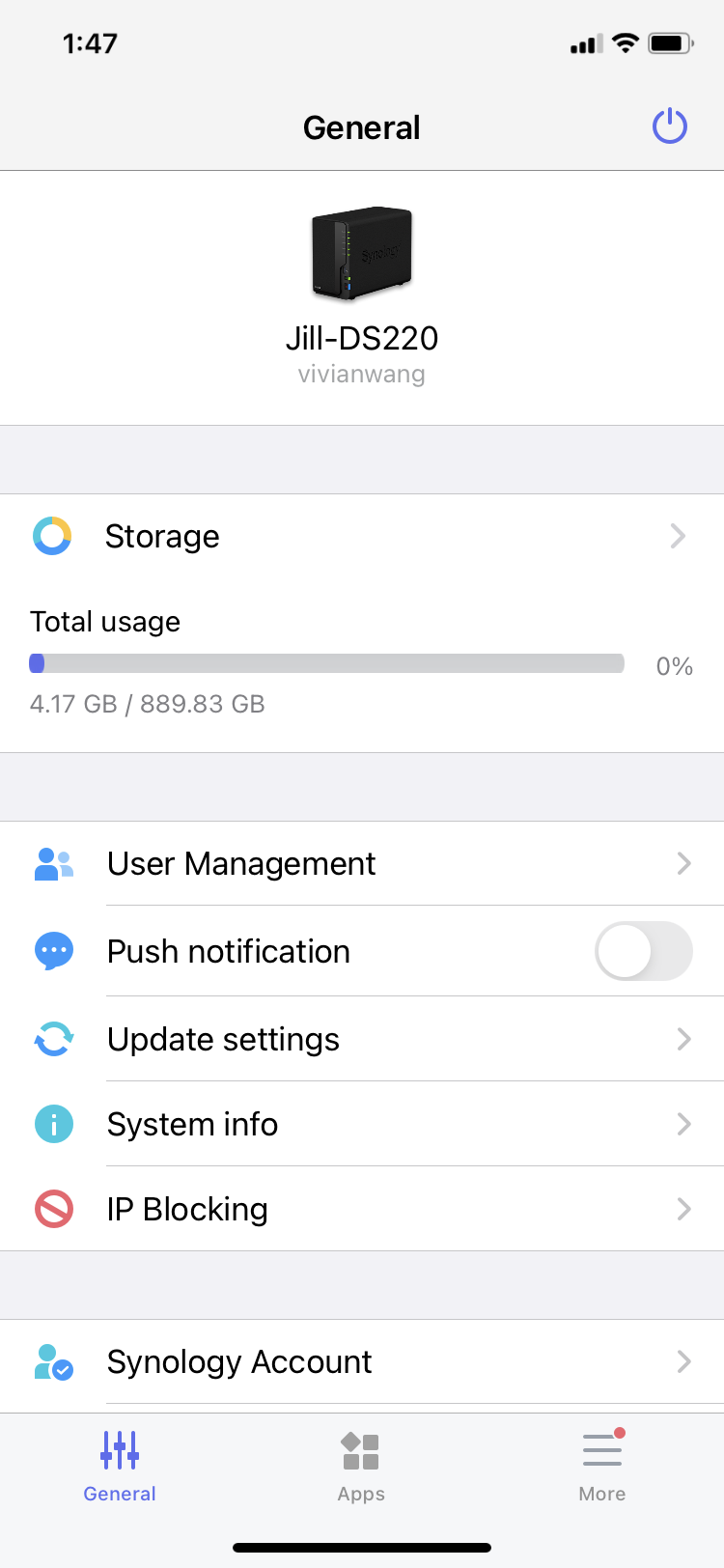
  • Centralized management and monitoring
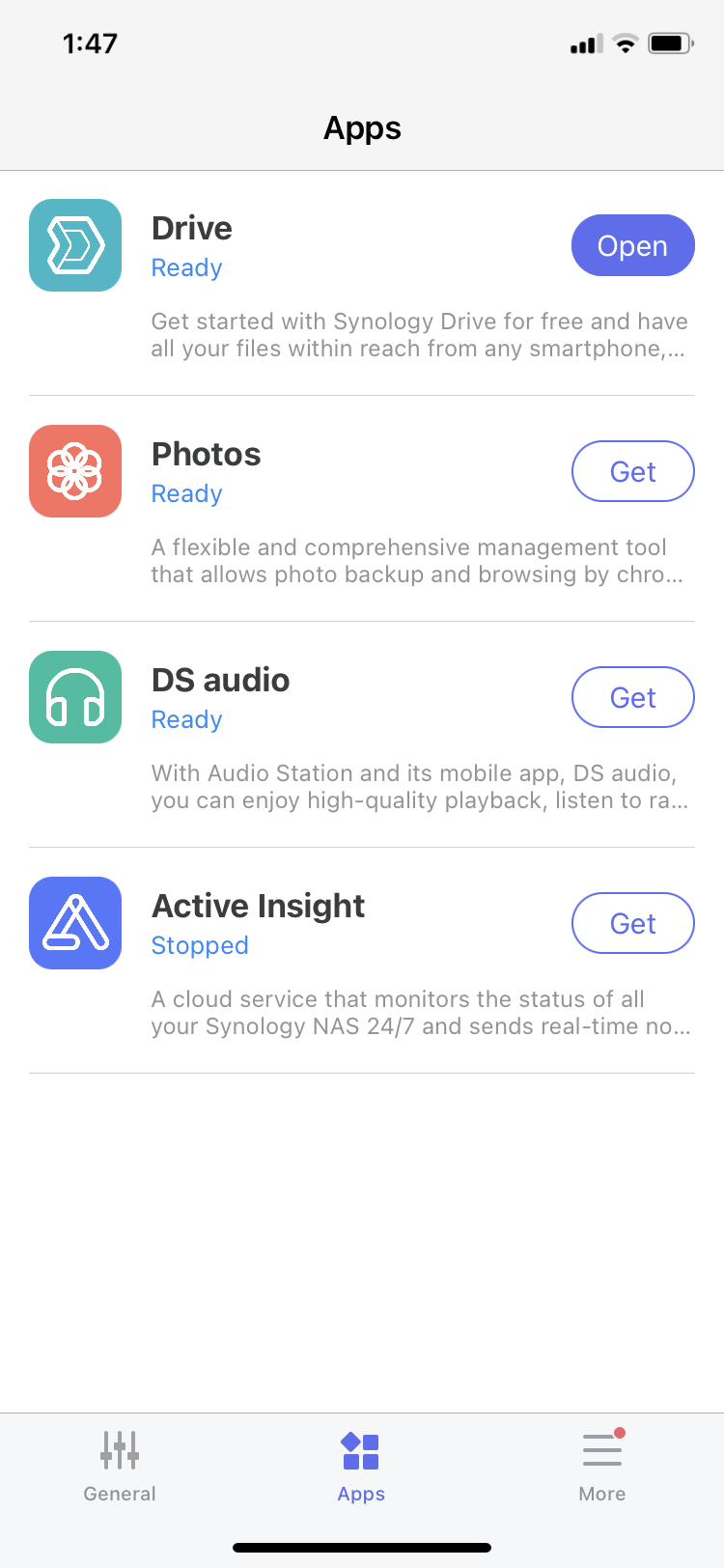
  • Experience the recommended Synology apps
Overview
Design
Validation
Workshop
OutcomeTakeaway

Overview

Background

China is one of the top three markets for Synology sales. According to our research, several popular CSD brands in China allow clients to use an app to quickly install and manage the product. To meet the needs of the China market, our goal was to create a new competitive service with these features.

User Story


As an entry user, I want to set up my NAS without too much configuration, so I can quickly start to use it.   
As a user, I want to use my phone to check my NAS status, so I can quickly understand problems and start to troubleshoot.


User Installation Workflow
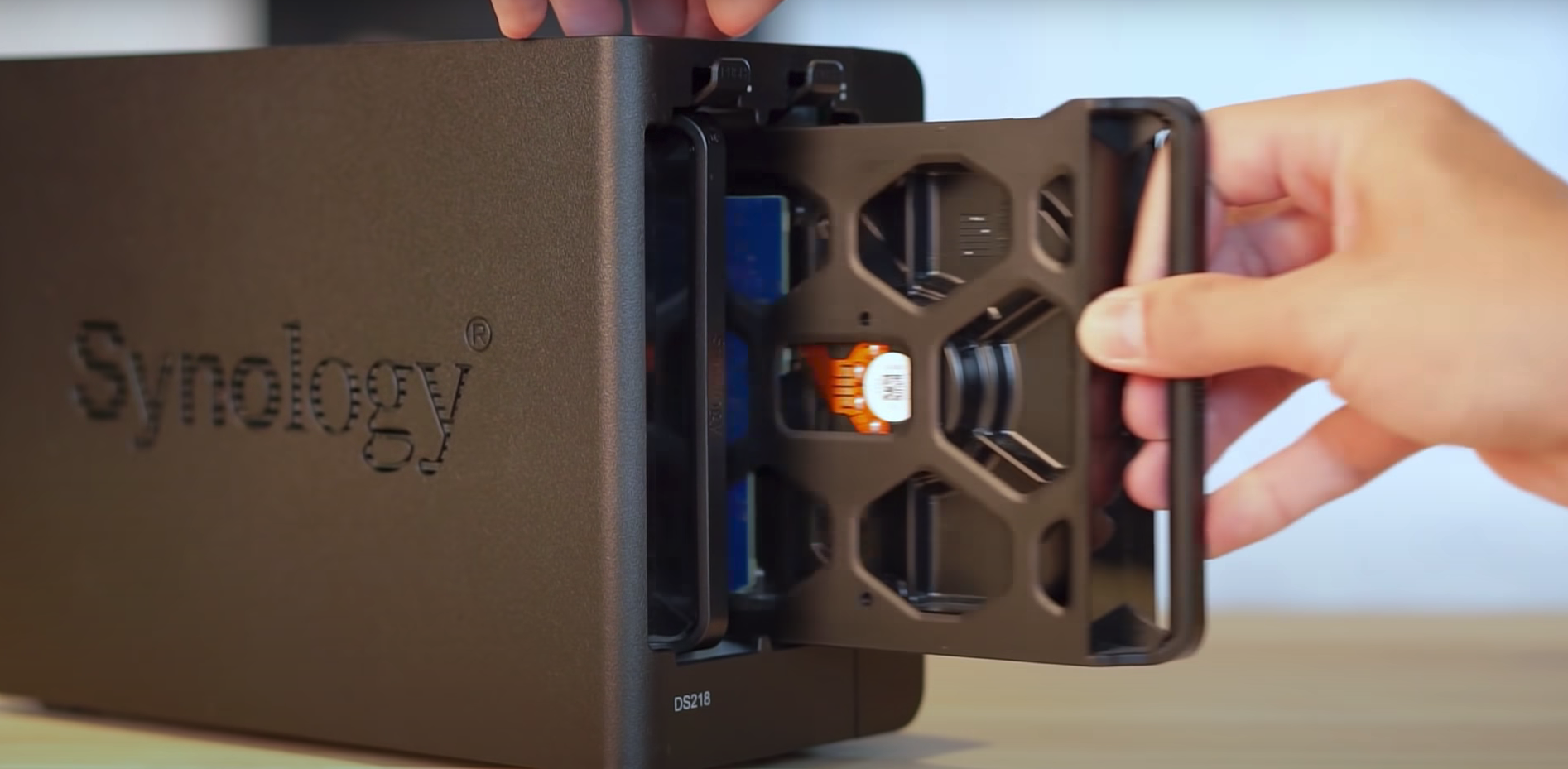
01

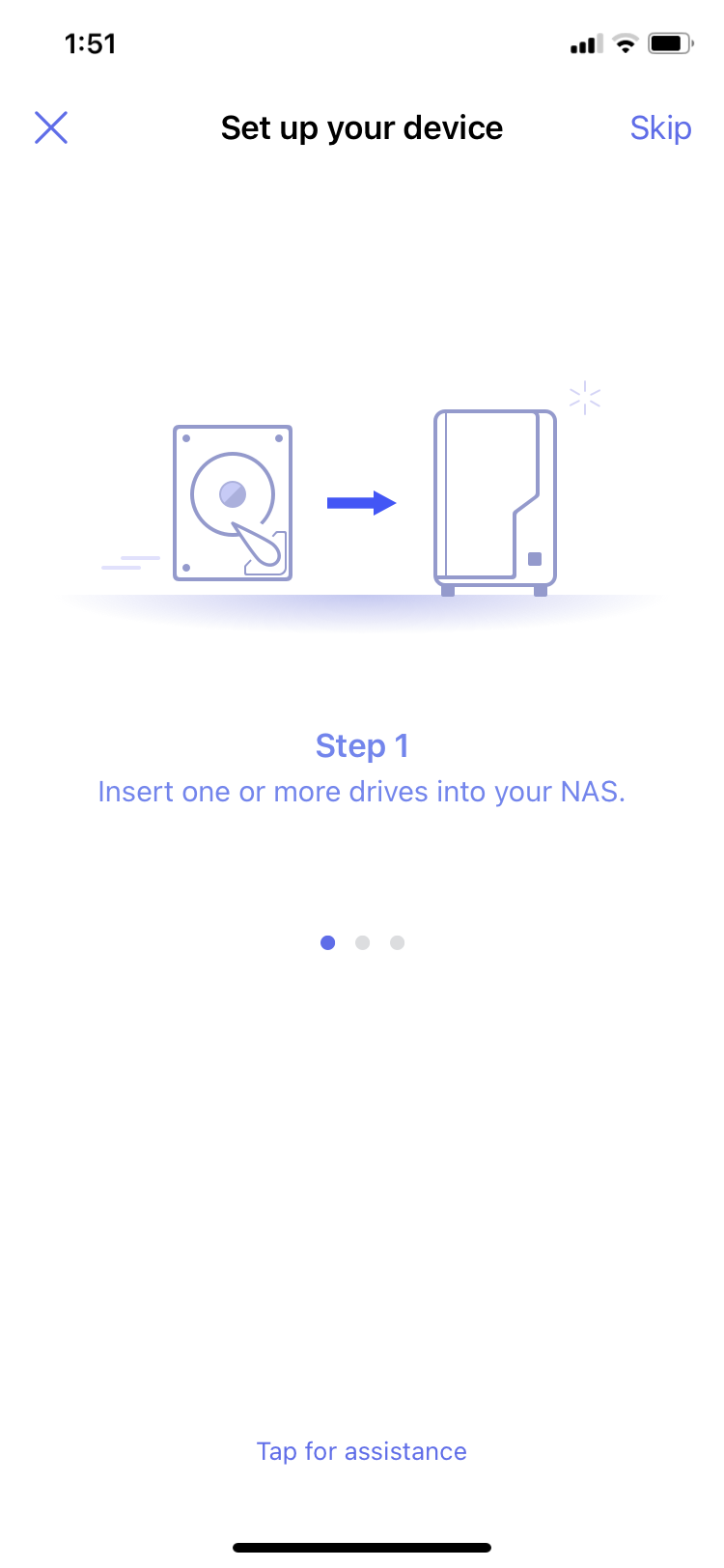
Insert the hard drive according to the instructions
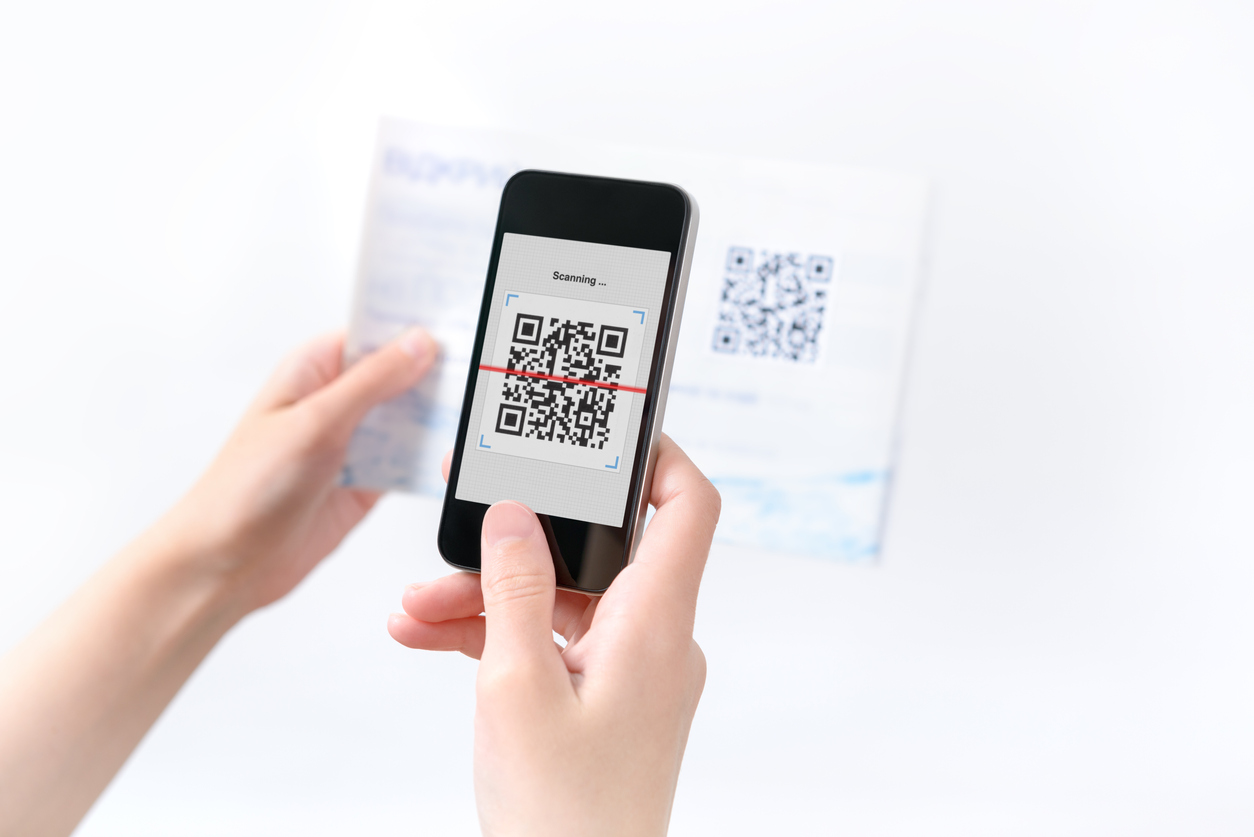
02

Scan the QR-code on the manual to download the DS finder app for quick installation
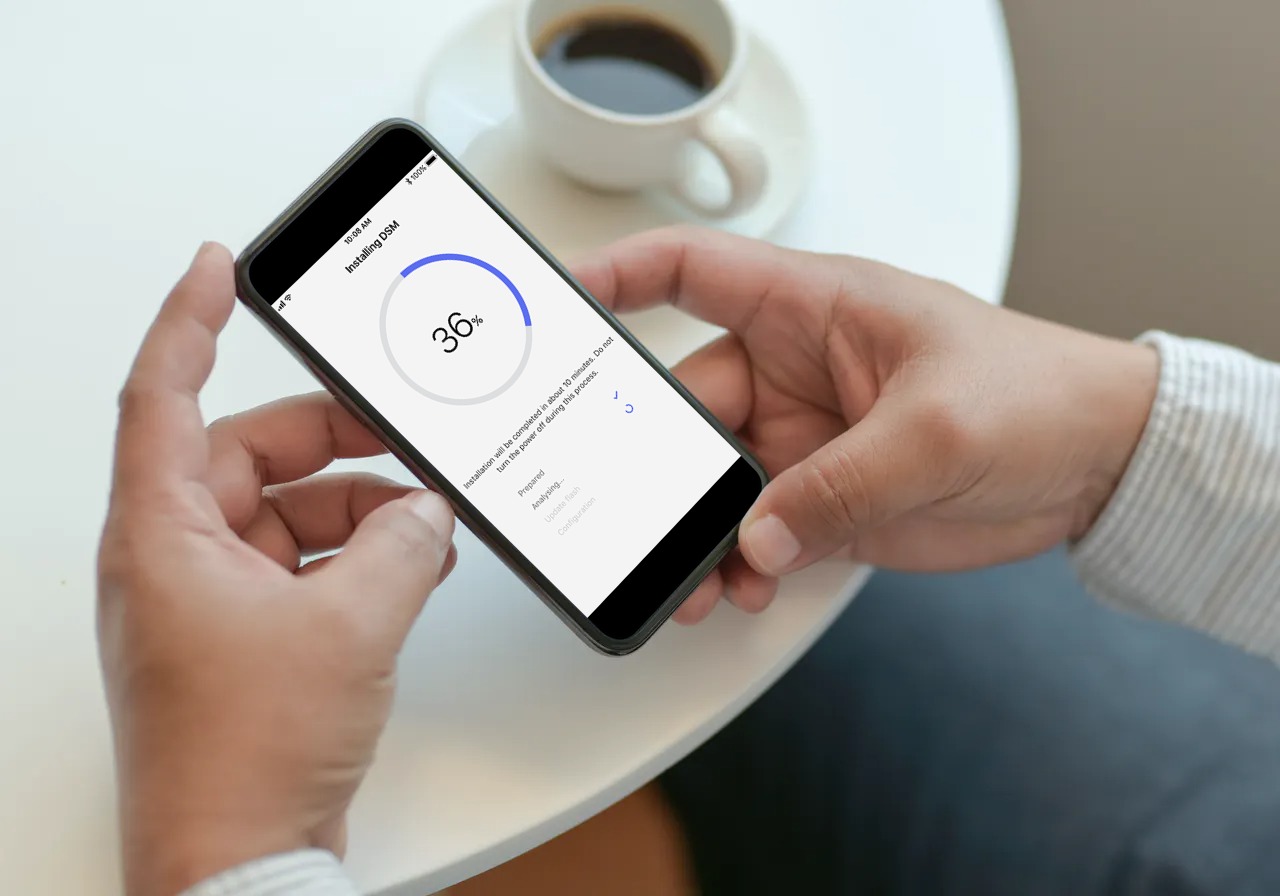
03

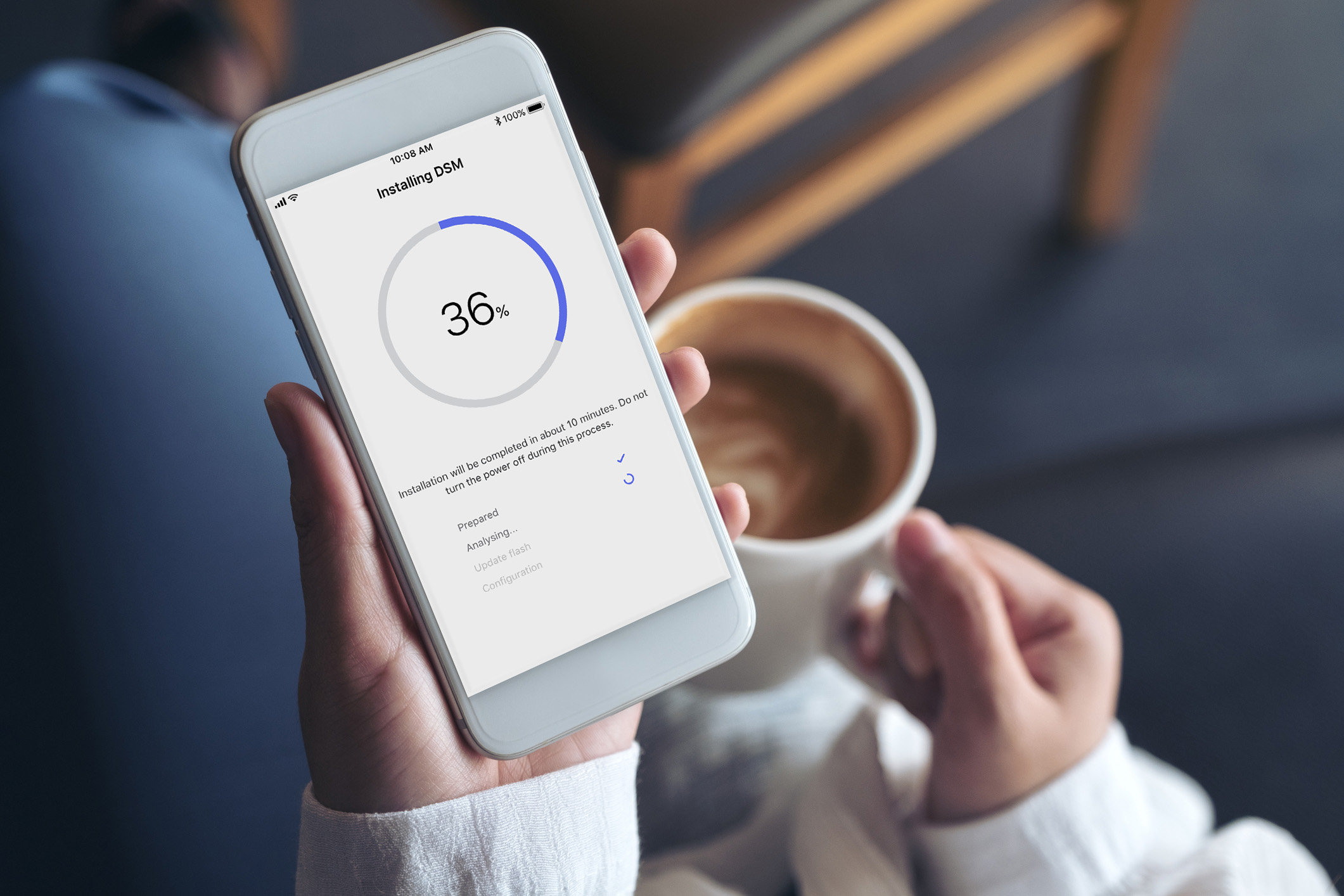
Get a cup of coffee when installing the system

04

Easily manage your NAS and check the status with real-time notifications
Design

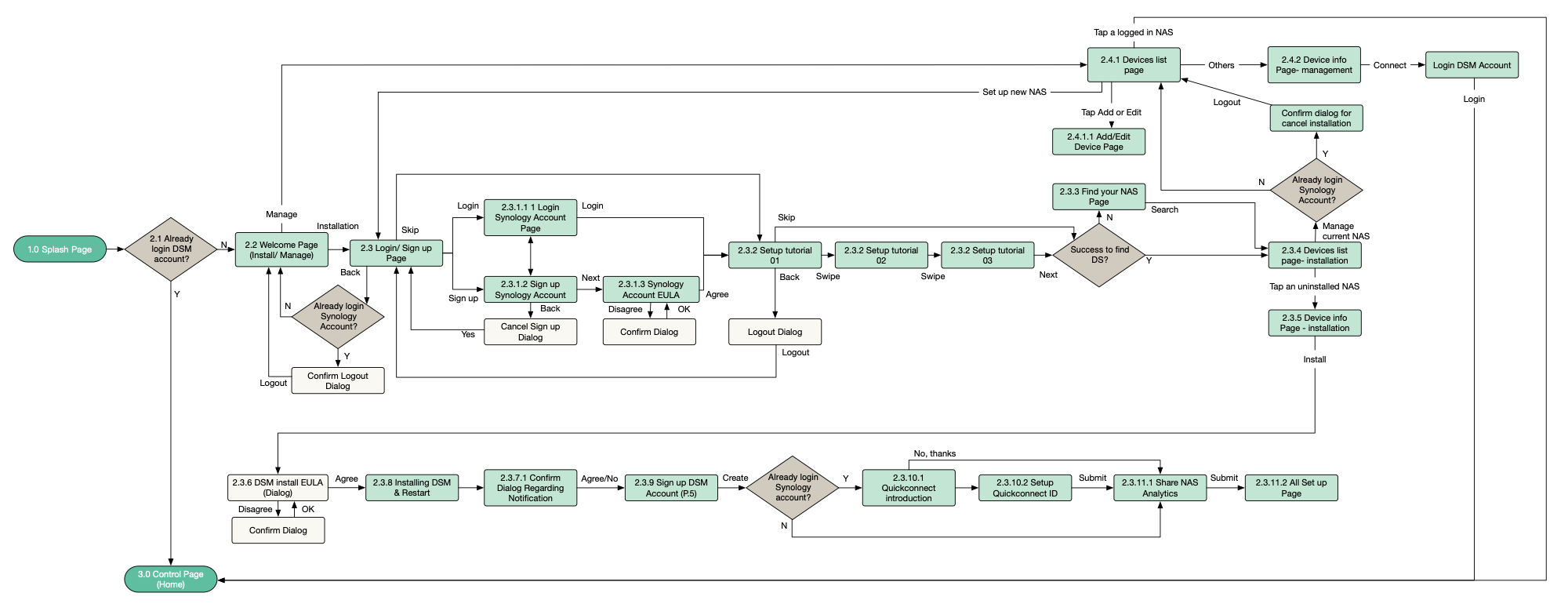
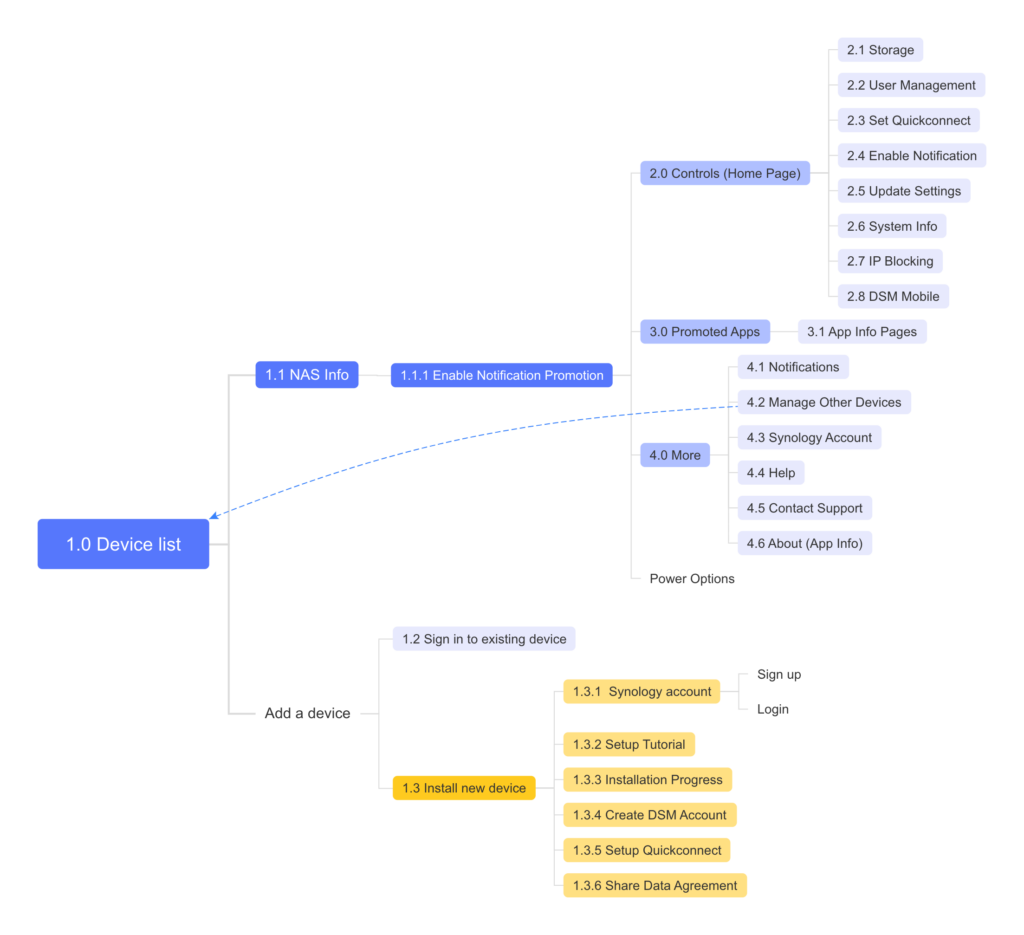
Information Architecture


Installation Flows of a CSD


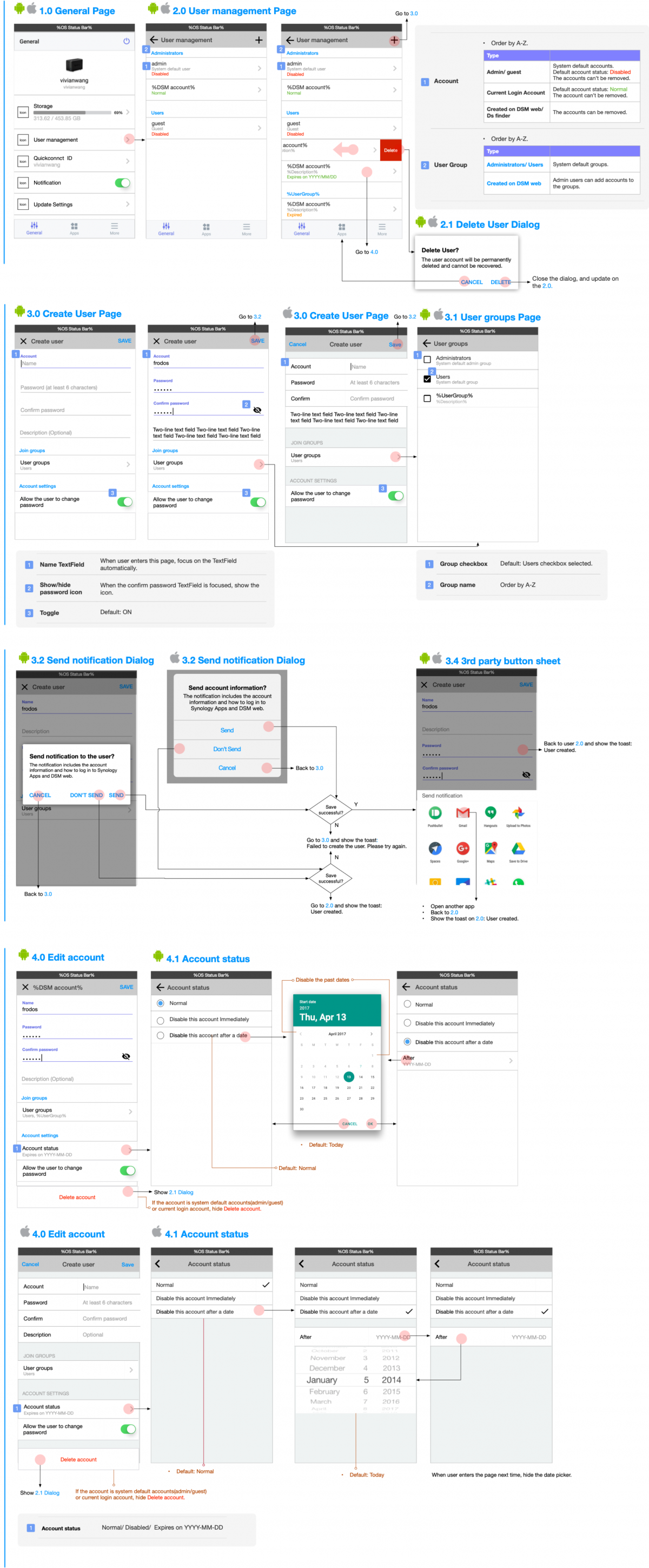
Wireframes

Wireframe_New


App Guideline 

During the development process, I found that some details were not consistent. To avoid repeated discussions on the same topic and to improve the consistency of the design, I defined the product guidelines.

The basic architecture of Textfield

Error message rules

  • Local inspection (instant inspection)
  • Server check
  • Input error-correction mechanisms

TextField & Keyboard

  • Timing of auto-up keyboard
  • Click behavior of the keyboard button (Next, Done, GO, Search)

Error handling & UI feedback

  • Offline Cache
  • Feedback on the applying of settings
  • File download/upload
  • Status transition

Validation

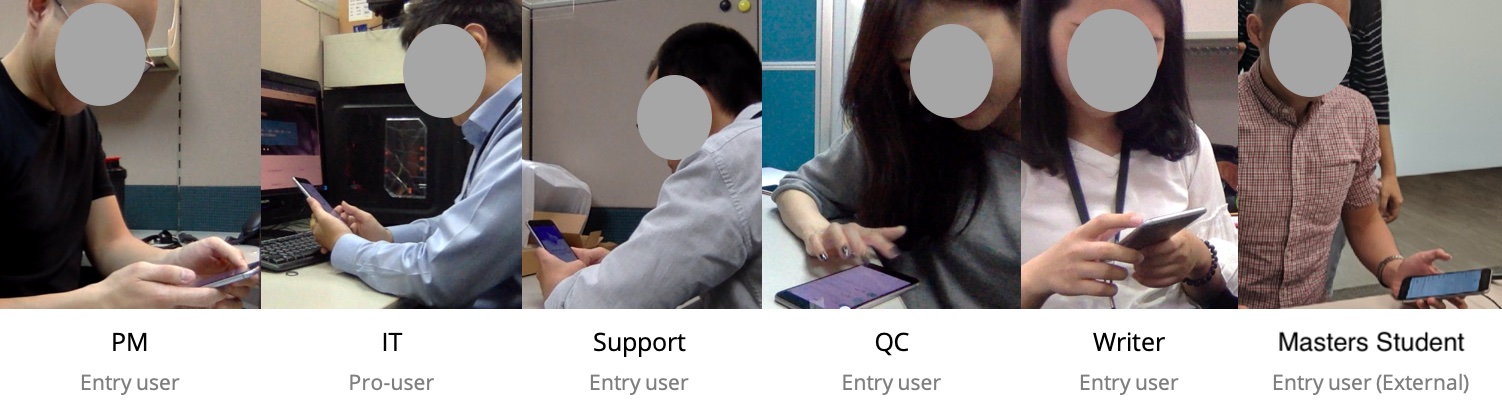
To confirm whether users could smoothly use the DS finder for installation and management after buying our CSD, I invited an external subject who was willing to buy our product and 5 new employees who are similar to our target users (Home users) to participate in the usability test. 

At the beginning of the test, I provided a CSD and an unboxing manual for the subject, and we observed on the side. They were able to download the app and start using it after scanning the QR-code on the manual. Finally, I categorized the usability issues and proposed design solutions to discuss with the team members.

workshop

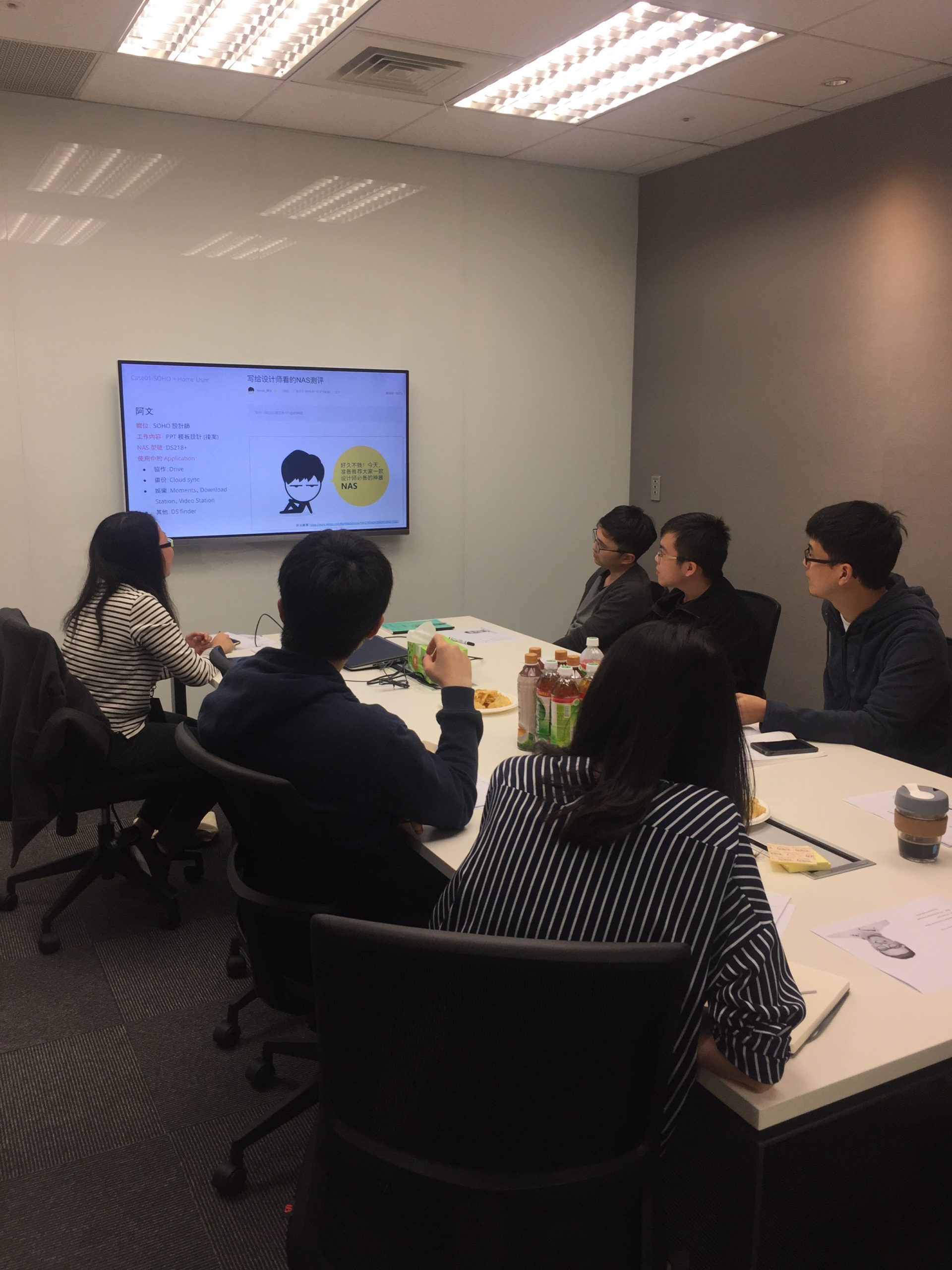
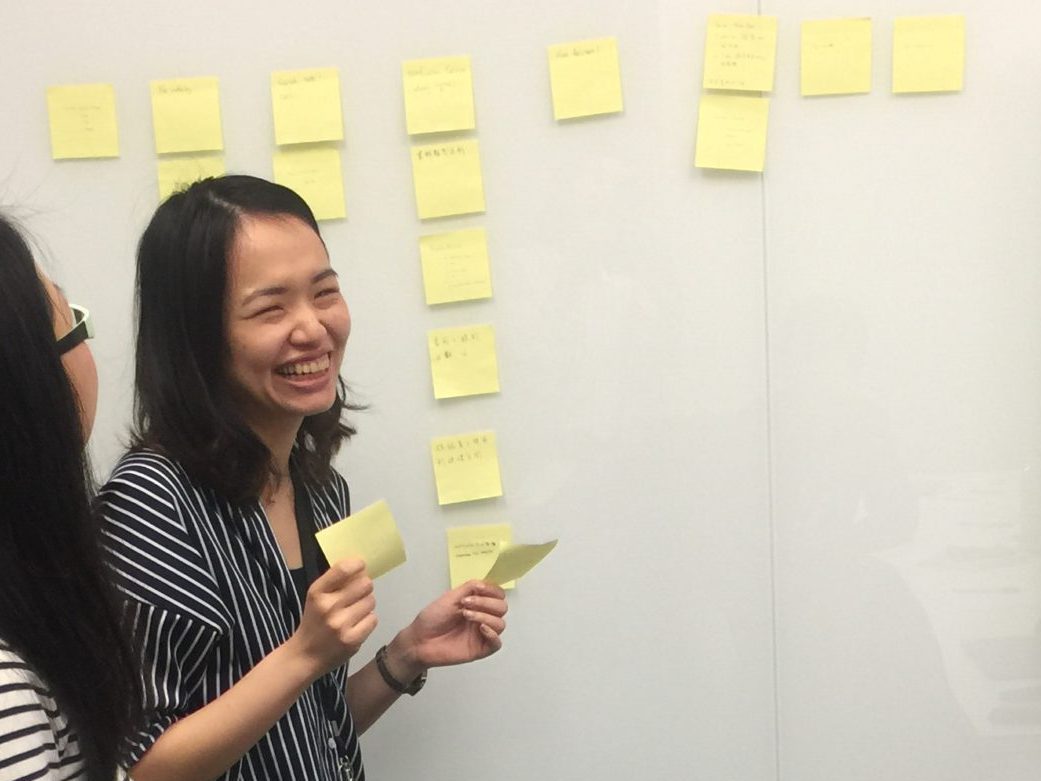
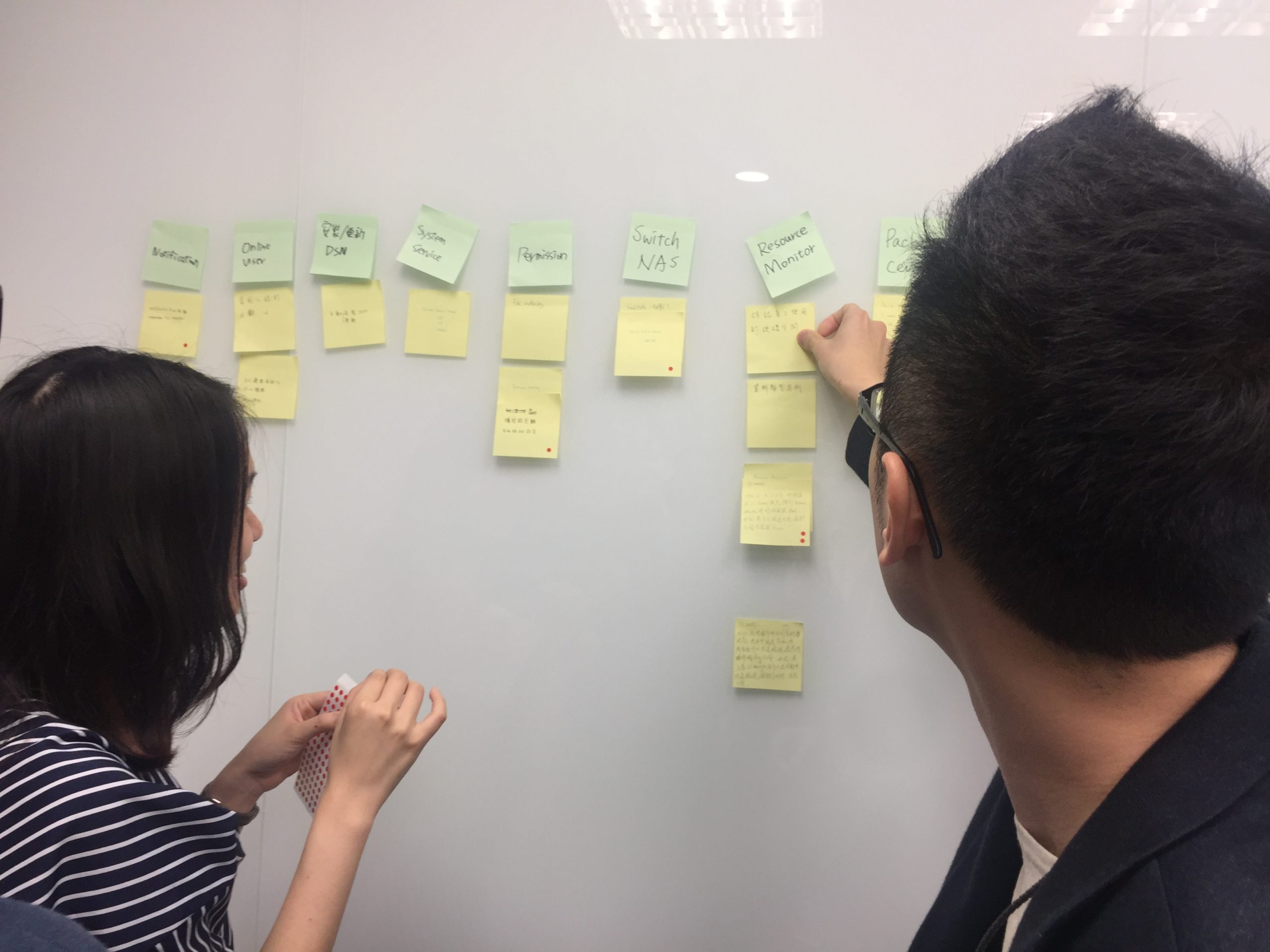
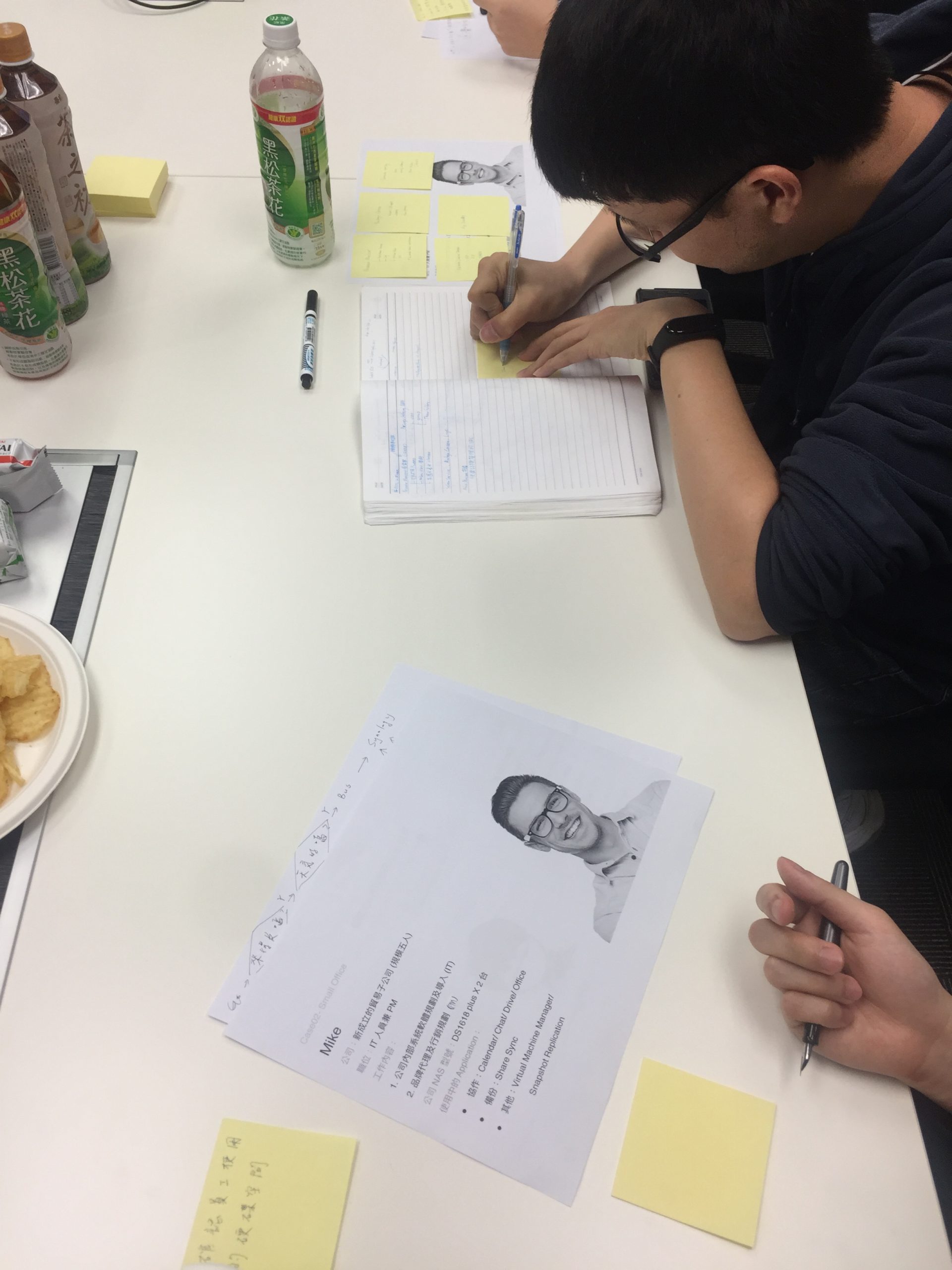
After the first version of the app was released, I planned a workshop to gather ideas for the next step of the product as well as how to improve it. To make the team members relax and have the inspiration for new ideas, I prepared snacks and drinks and ran an ice-breaking game. Then I shared 3 user cases of our products from previous interviews and online communities. Each member wrote down some ideas and presented them to the group. Finally, we voted for the ideas which were then used as references for the PM to add to the product roadmap.

Workshop Agenda


  • Ice Breaking Game
  • User cases sharing
  • Write ideas
  • Present ideas
  • Classify ideas
  • Vote for good ideas

Outcome

We drove 29K+ cloud storage device sales in China, increasing revenue by an estimated $13 million in 3 months. In addition, we received positive feedback from many users, bringing a good user experience to 170K users.

29K+

Nas sales in Chana

$13M

revenue increased

170K+

APP DOWNLOAD count

User Feedback

" A crazy name, DS finder, rather an indispensable tool to remotely configure the NAS etc "

" I'm using it on the DS 218. Easy to see NAS data, users ... etc .... cool! "

" Simply a masterpiece. Now I can finally manage my users comfortably on the go. Create, edit or delete. This saves me the longer way on the actual web interface. Keep it up. Also great is that the usability for VoiceOver users was not neglected. "

" I have this app installed on all my Android devices. That's 4 devices- The nice thing is that I find the app features totally good and extremely often use. What I find extremely cool is the WOL function that always works and immediately implements the signal. "

" Solid app, works as expected, finds NAS quickly and allows users to enable or disable services very fast. I actually just wanted to check for current storage and temps, but was surprised it offers so much. "

" Better when before more Function good App, For User Settings add contingent adjustable in App. For Now a good Control Panel 🙂  "

Takeaway

Became familiar with iOS and Android designs

iOS and Android users have different operating behaviors. Therefore, if the designs of the two platforms are the same, users may not be able to find the right functions. In this project, I became familiar with the difference between iOS and Android design guidelines. I also evaluated whether to make different designs for each platform.


Planned and hosted a workshop

This is the first time that I hosted a workshop. At first, I was worried about time control, so I made a schedule and asked a colleague to remind me of the time. However, the workshop ended earlier than expected. Next time, I would like to use the timer on the tablet to control the time by myself.

Next Project

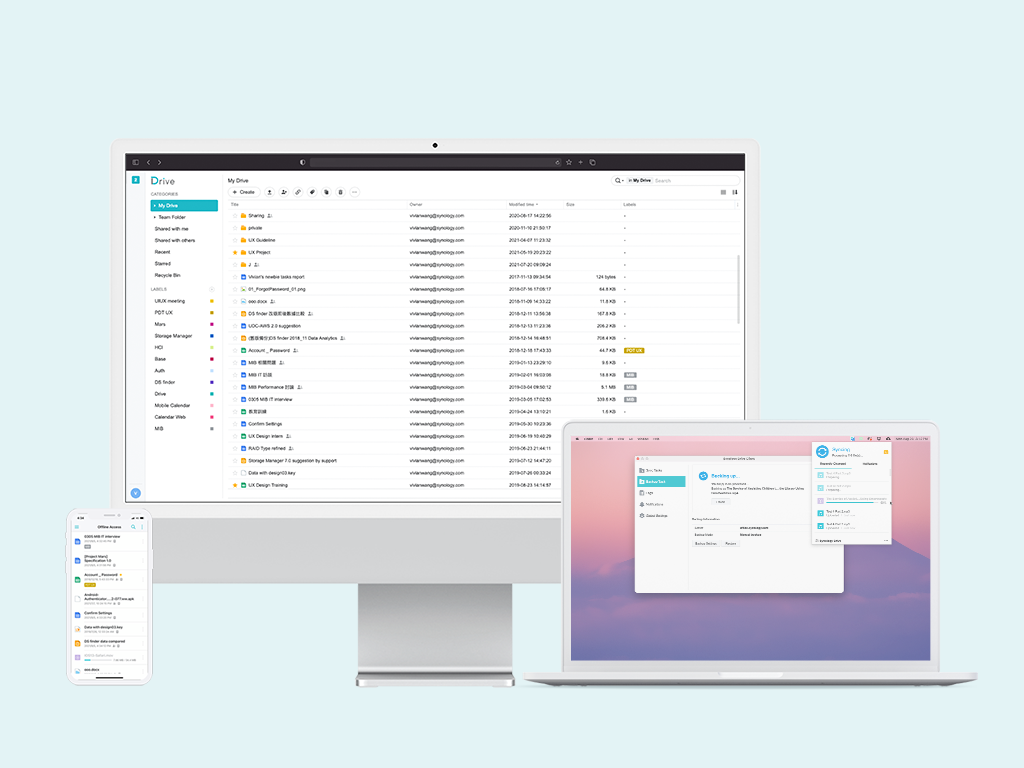
Synology Drive

A collaboration tool on a private cloud platform allowing people to access, share and back up files anytime, anywhere

View Case Study ->

Back to Home Page